

Your best ideas deserve room to grow.
Write documents, build spreadsheets, design presentations and work with PDFs, together, on brand, and connected to the meetings, files and projects they belong to.
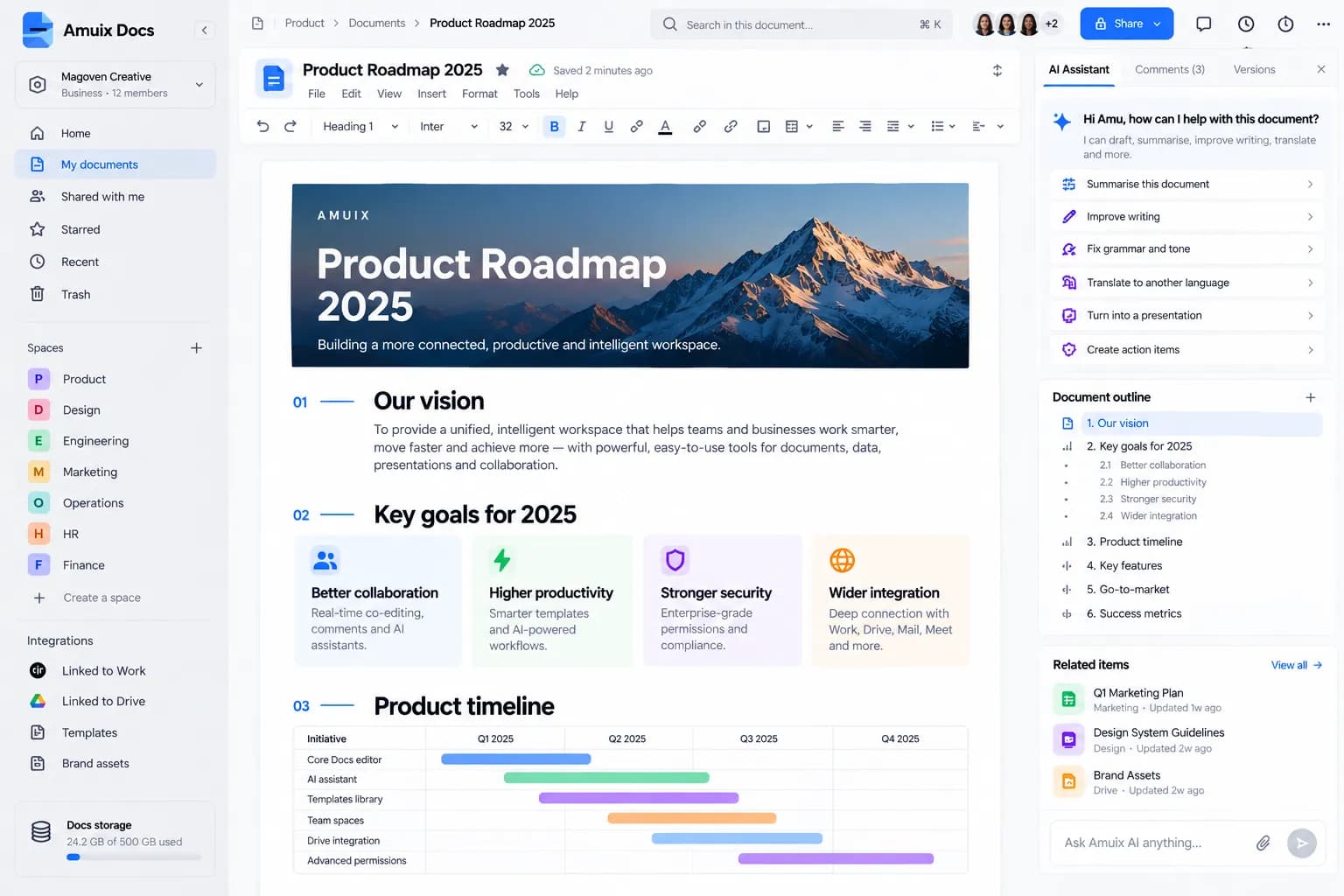
Four formats. One editor family.
Rich documents, structured for teams
Headings, tables, images, checklists and embedded timelines, with an outline, comments and MUI alongside.
- Rich text, tables and media
- Document outline and linked items
- Comments and suggestions
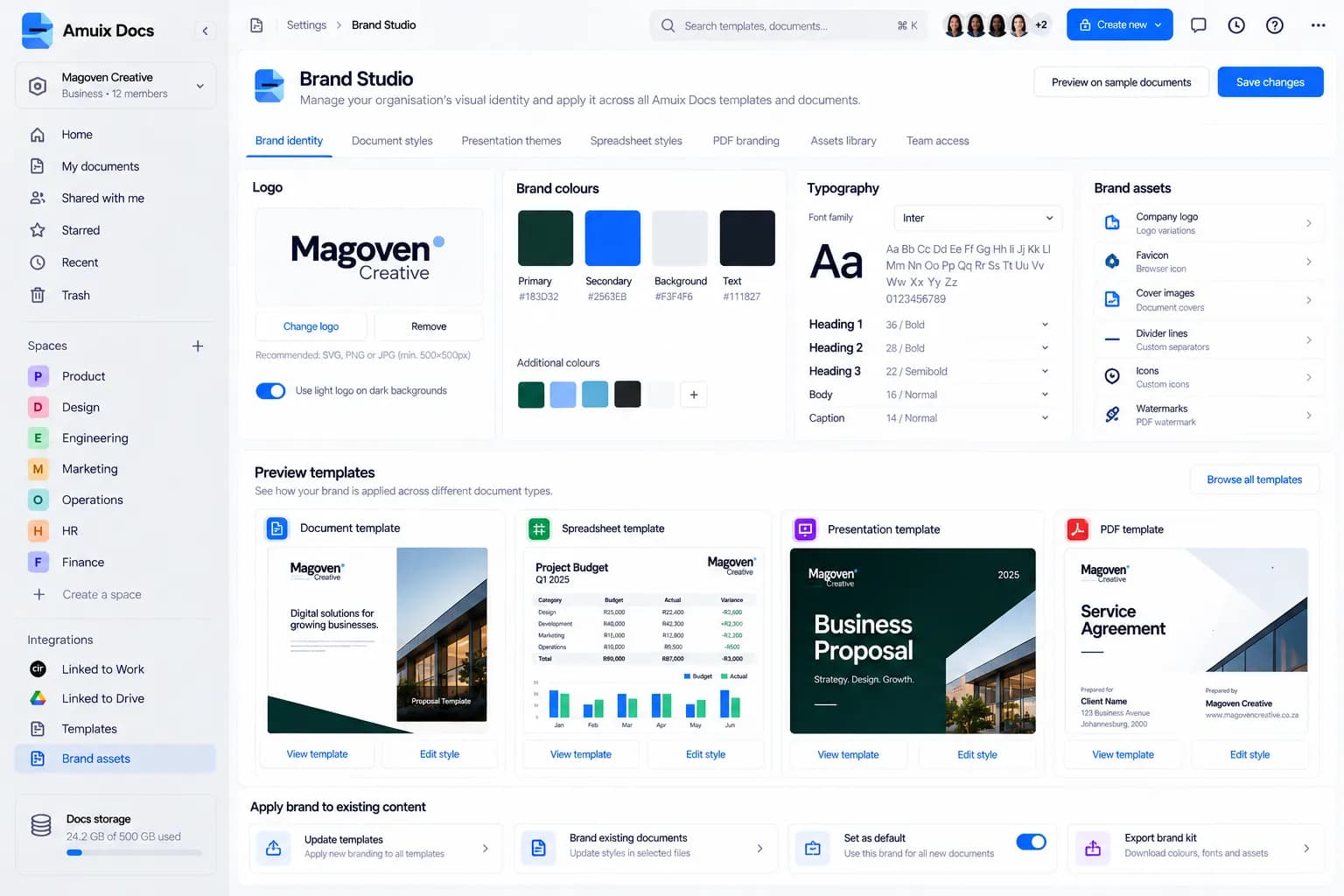
Every document, on brand. Automatically.
Set your logo, colours, typography and assets once. Docs applies them to document, spreadsheet, presentation and PDF templates, and to existing files when you choose.
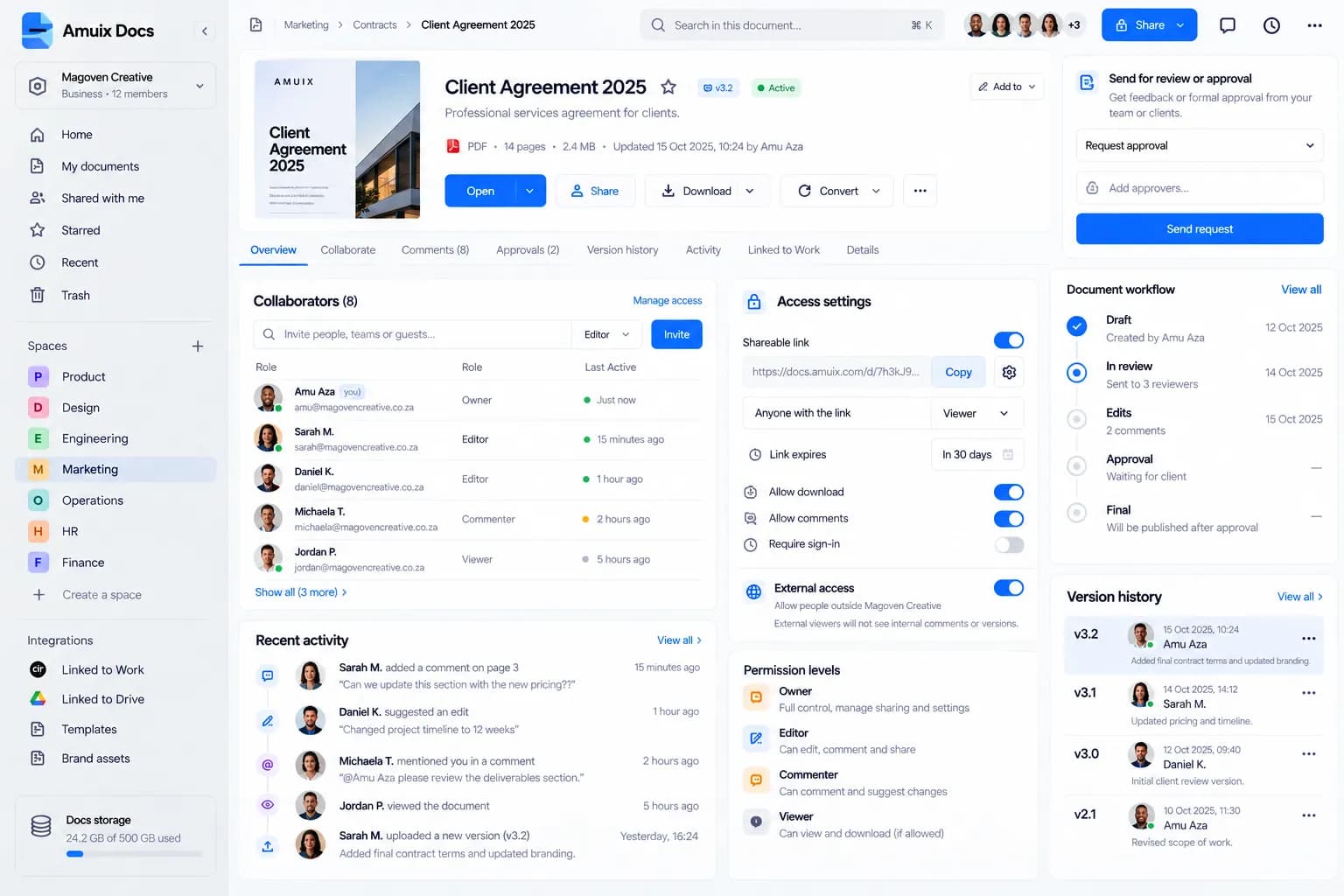
Collaborate with control.
Real-time editing and commentsSee who’s in the document, comment in context and resolve together.
Sharing and permissionsChoose who can edit, comment or view, with link and download controls.
ApprovalsSend a document for review and track each approver.
Version historyEvery saved version, who made it and when, restore when you need to.
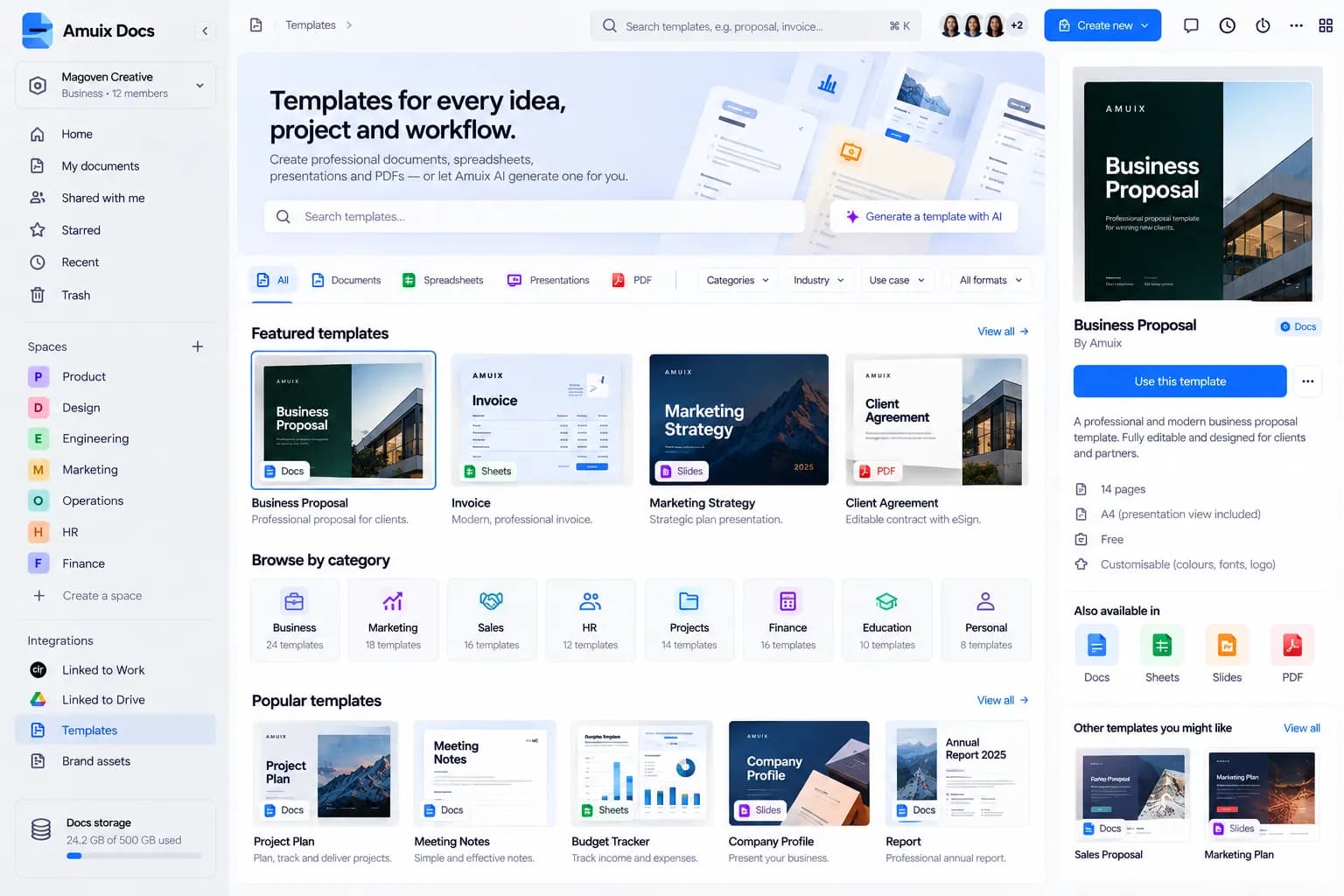





A writing partner in the margin.
MUI in Docs is in beta.
Summarise this documentImprove writing · fix grammar and toneTranslate to another languageTurn notes into a presentationCreate action items


Questions about Amuix Docs
What can I create with Amuix Docs?
Documents, spreadsheets, presentations and PDFs, with shared templates, team spaces and Brand Studio for consistent design.
What about files from other office tools?
Word, Excel, PowerPoint and PDF files live alongside your Amuix documents in Drive, with previews, sharing and search. PDFs open in the Docs PDF workspace.
How does sharing work?
Share with people or links and choose who can edit, comment or view. Admins can set organisation-wide sharing defaults.
Where are my documents stored?
In Amuix Drive, inside the team space you choose, so permissions and search stay consistent across Amuix.
Which plan do I need?
Docs is part of the Amuix suite. See Pricing for what each plan includes in your currency, or contact sales for Enterprise needs.