










Meet MUI. Intelligence that works with you.
MUI is the assistant built into Work, Meet, Docs, Drive, Mail and Calendar. It summarises, drafts, finds and organises, using only what you can already see, and asking before it acts.
MUI is in beta.
One assistant. Already inside your work.
MUI isn’t a separate app or a marketplace of bots to configure. It sits in the side panel of every Amuix product and knows where you are: the deal you’re looking at, the meeting you just left, the document you’re editing.
Because Amuix apps share one account and one set of permissions, MUI can connect a meeting to a task, a file to an email, or a client to a calendar, without you copying anything between tabs.
Pick an app. Ask MUI.
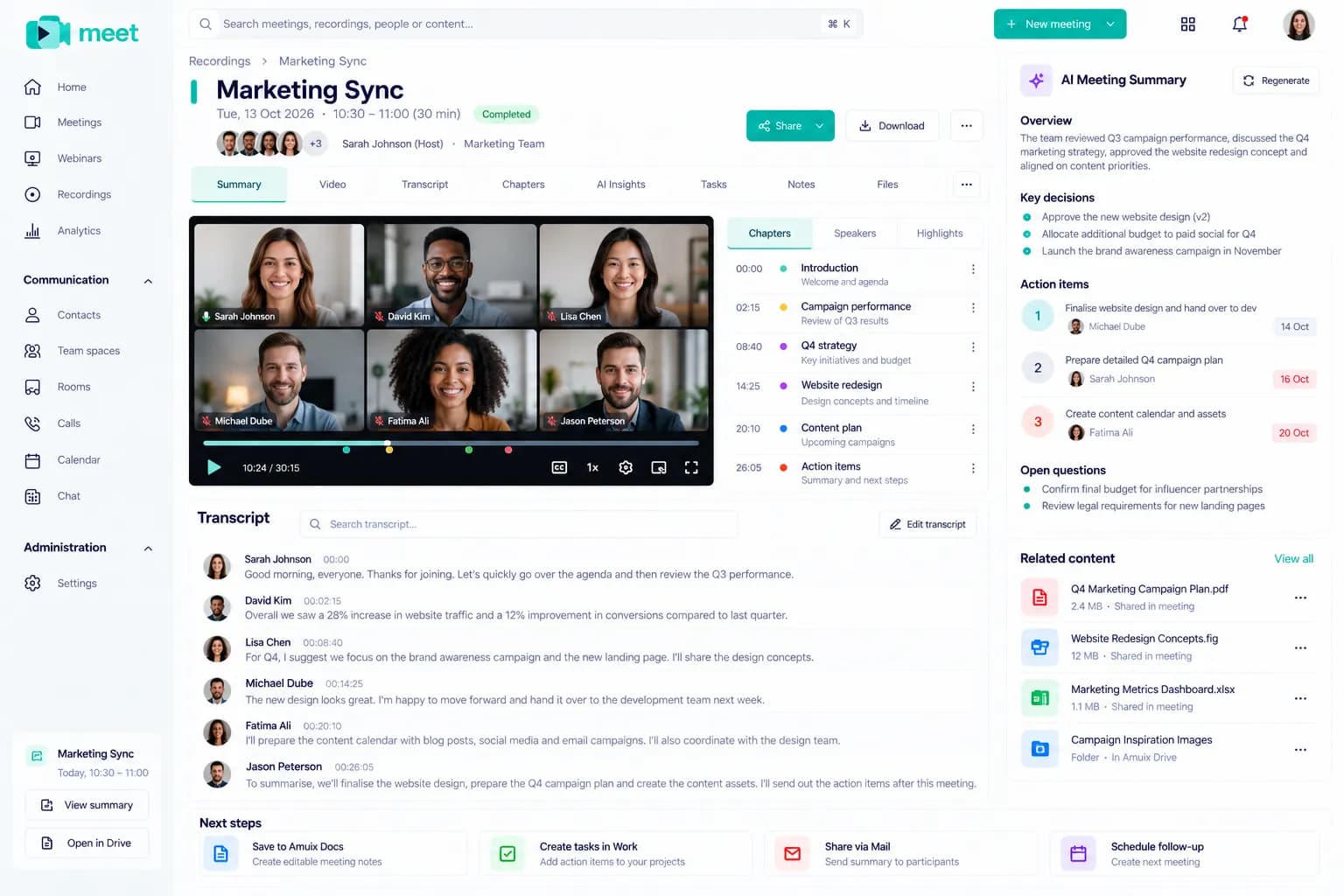
A cross-app MUI workflow
MUI is idle
Meet MUI. Your work has a new helping hand.
MUI lives inside every Amuix app. It only sees what you’re allowed to see, shows its sources, and asks before it changes anything.
Meet MUI →Illustration of the intended flow. MUI is in beta; what it can do depends on your plan and your admin’s settings.
A face that tells you the state of the work.
- IdleAvailable in the side panel, not watching what you do.
- ListeningTaking in your request or a meeting you’ve invited it to.
- ThinkingReading the sources you have access to.
- WorkingDrafting, nothing is sent or changed yet.
- CompletedDone after your confirmation, with a link to the result.
Helpful by default. Careful by design.
MUI follows the same rules as the person using it, and your organisation decides where it can help.
Questions about MUI
What can MUI do today?
MUI summarises meetings, threads and documents; drafts emails, agendas and proposals; finds files and records; and suggests next steps. Available actions vary by app while MUI is in beta.
Is MUI a separate product?
No. MUI is built into the Amuix apps you already use. There is no separate marketplace of agents to install or manage.
Can MUI see everything in my organisation?
No. MUI works within each person’s existing permissions. It can only use content the person asking already has access to.
Will MUI send or change things on its own?
Consequential actions, sending, sharing, creating or changing records, always wait for the user’s confirmation.
Which plans include MUI?
Every plan includes a monthly allowance of AI requests; Pro and above include AI across meetings with no organisation cap. Contact sales for Enterprise controls.